Download Shapr3D.
Download in seconds and get to your first model in 15 minutes.
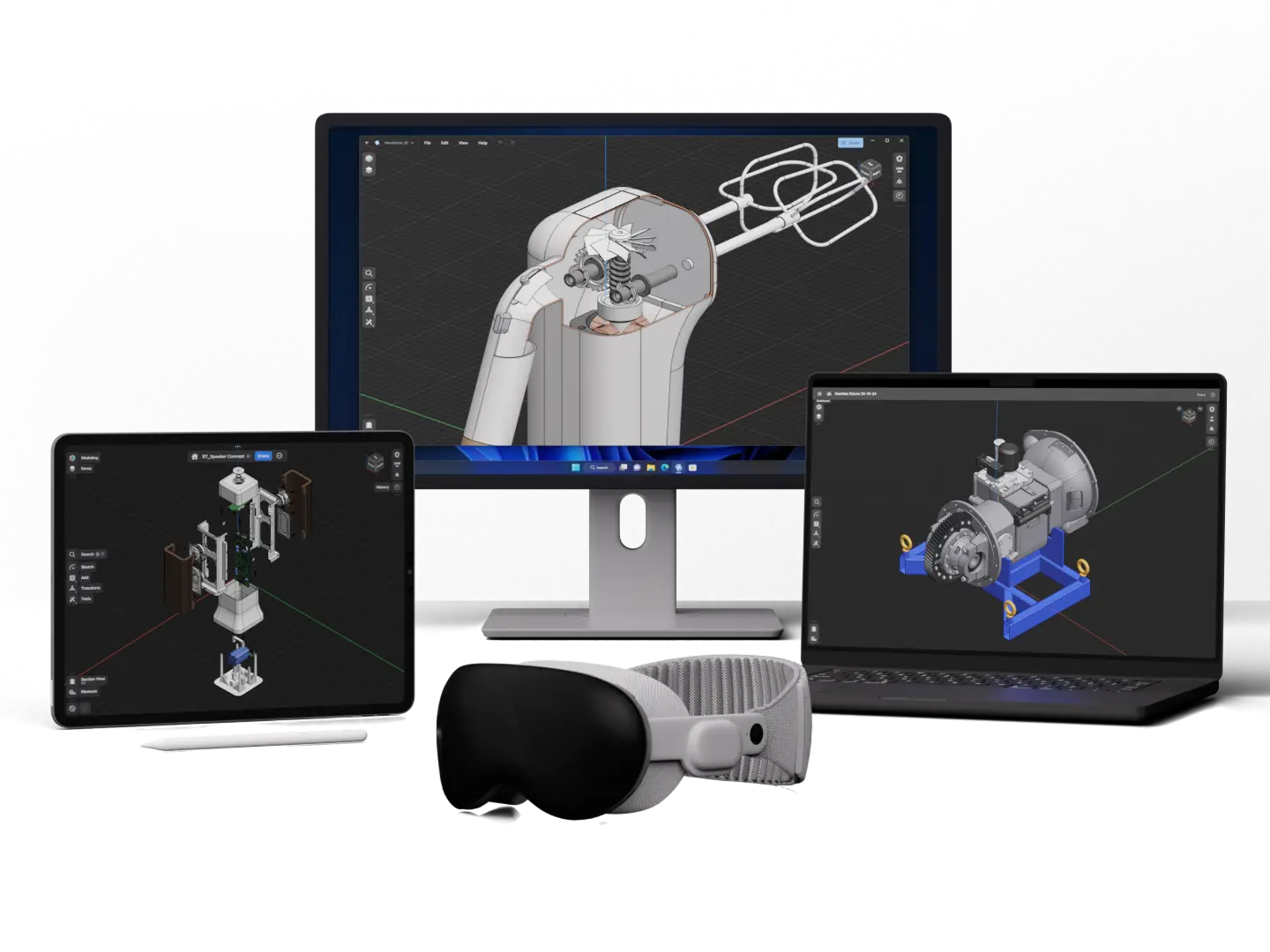
Shapr3D is available on macOS, iPadOS, visionOS and Windows.
Sign up to downloadYes. Shapr3D runs on the Siemens Parasolid kernel, the same geometry engine used by SolidWorks, NX, and Solid Edge. It creates manufacturable solid models with full parametric and direct modeling capabilities.
Yes. One license covers Mac, iPad, and Windows. No extra payment for different platforms.
Yes. Shapr3D runs natively on Windows with full feature parity. Your projects sync automatically across all your devices.
Yes. Shapr3D is a native iPad app—not a browser tool, not a stripped-down mobile version. It's built for touch and Apple Pencil, with full modeling capability. Your projects sync automatically with Mac and Windows.
Yes. Shapr3D was designed around Apple Pencil input. You can sketch, select, and manipulate geometry directly with the Pencil, enabling a two-handed workflow that users describe as more natural than mouse-based CAD.
Import: STEP, IGES, Parasolid (x_t), SLDPRT, SLDASM, STL, DWG, DXF, and native CATIA, Creo and NX import. Export: STEP, IGES, Parasolid, STL, DXF, DWG, 3MF, SVG, USDZ
Yes. Shapr3D can import native SolidWorks part (.sldprt) and assembly (.sldasm) files directly.
Yes. You can import files from SolidWorks, Autodesk Fusion (Previously Fusion 360), NX, and other CAD tools via STEP or native formats. Edits made in Shapr3D export back to industry-standard formats for use in your existing workflow.
Yes. Shapr3D offers a free tier with limited exports. You can learn the software and create designs before deciding whether to subscribe.
Yes. Shapr3D runs natively on iPad, Mac, and Windows. Projects sync automatically, so you can start on iPad and continue on desktop—or vice versa. According to G2, Shapr3D is rated the easiest to use and easiest to set up compared to Autodesk Fusion (Previously Fusion 360) and SOLIDWORKS.
Onshape is browser-based and requires Internet. Shapr3D is a native app that works offline. Both are capable CAD tools. Shapr3D has deeper Apple Pencil integration; Onshape has built-in PDM and cloud collaboration features like simultaneous modeling that some teams require.
Autodesk Fusion (Previously Fusion 360) is a powerhouse for full-stack CAD and CAM. In contrast, Shapr3D is built for speed and ease of use; it boasts a shallower learning curve and a much faster startup time.
Most users report being productive within hours to a day. The interface is designed to be intuitive, especially for anyone familiar with basic CAD concepts. Extensive tutorials are available in the app.
Modeling tools (Tools menu)
And more: