Available for iPadOS, macOS, and Windows, and fully supported on Wacom tablets.
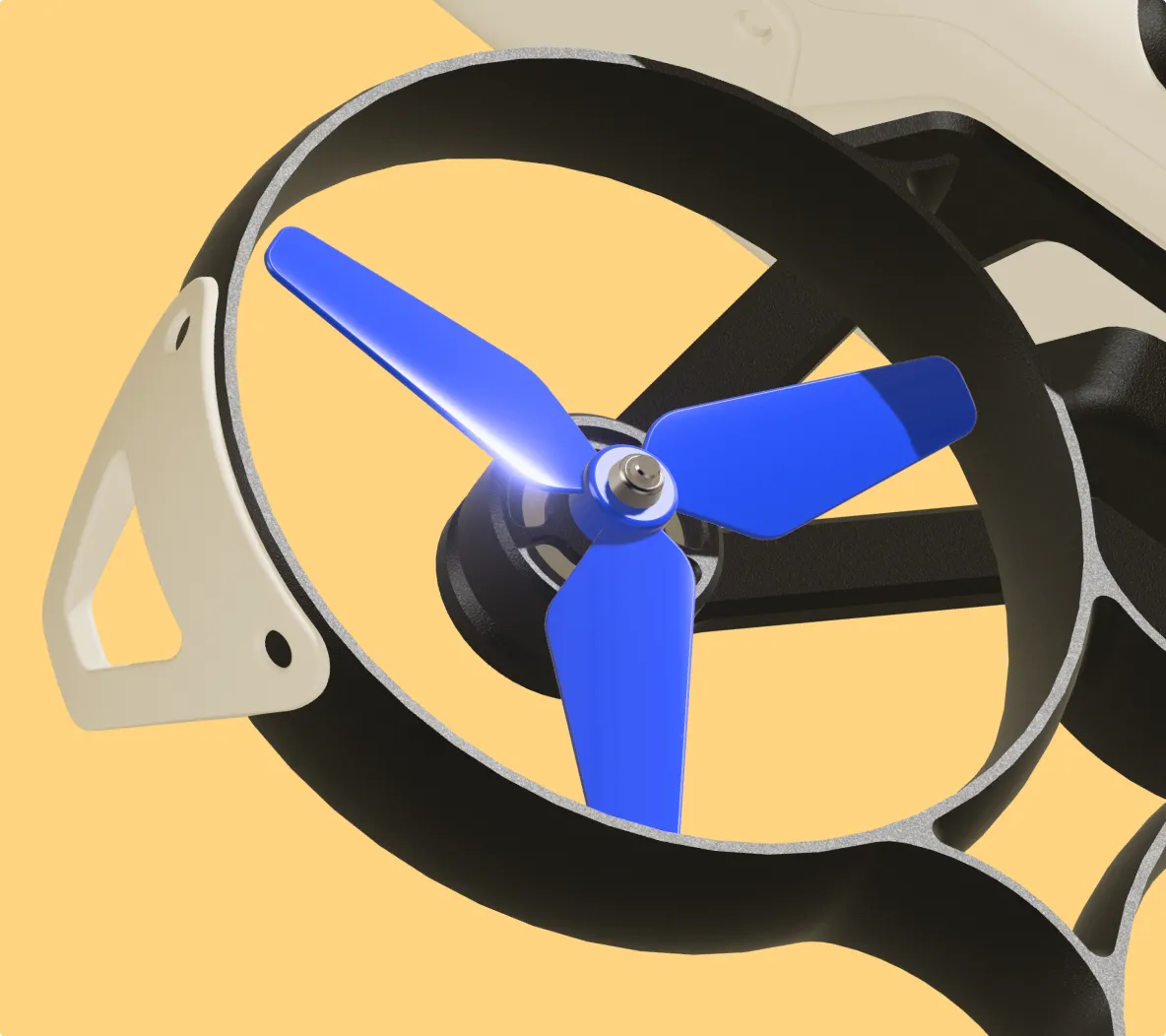
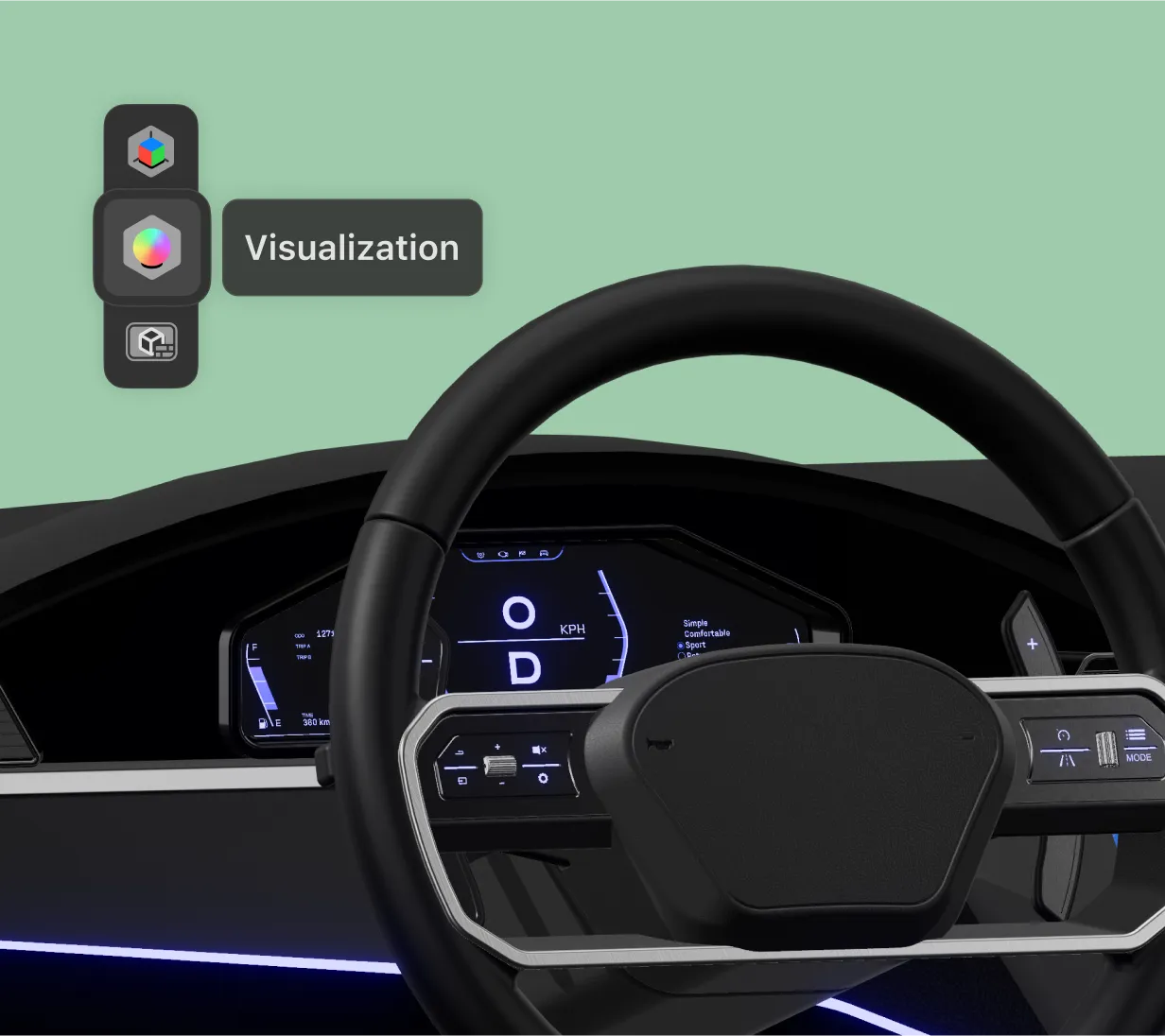
Imagine your 3D model as a real-life object. Drag and drop materials, adjust lighting, and generate background environments with AI.
3D visualization in Shapr3D is perfect for design validation, rapid prototyping, and sharing your project vision with stakeholders. Edit and view new colors and materials on the fly for quicker decision-making.
Choose from over 100 materials and several environment options. Adjust lighting instantly. You can even import custom materials using the .GLB format for tailor-made visualization.
Use natural language to describe the scene you want to place your model in. Generative Render creates a lifelike, context-rich image perfect for client presentations and marketing.
Toggle between modeling and 3D visualization in a single click. With real-time PBR (physically based rendering) on iPad, Mac, and Windows, you don't need a high-powered desktop to run visualization or generate renders.
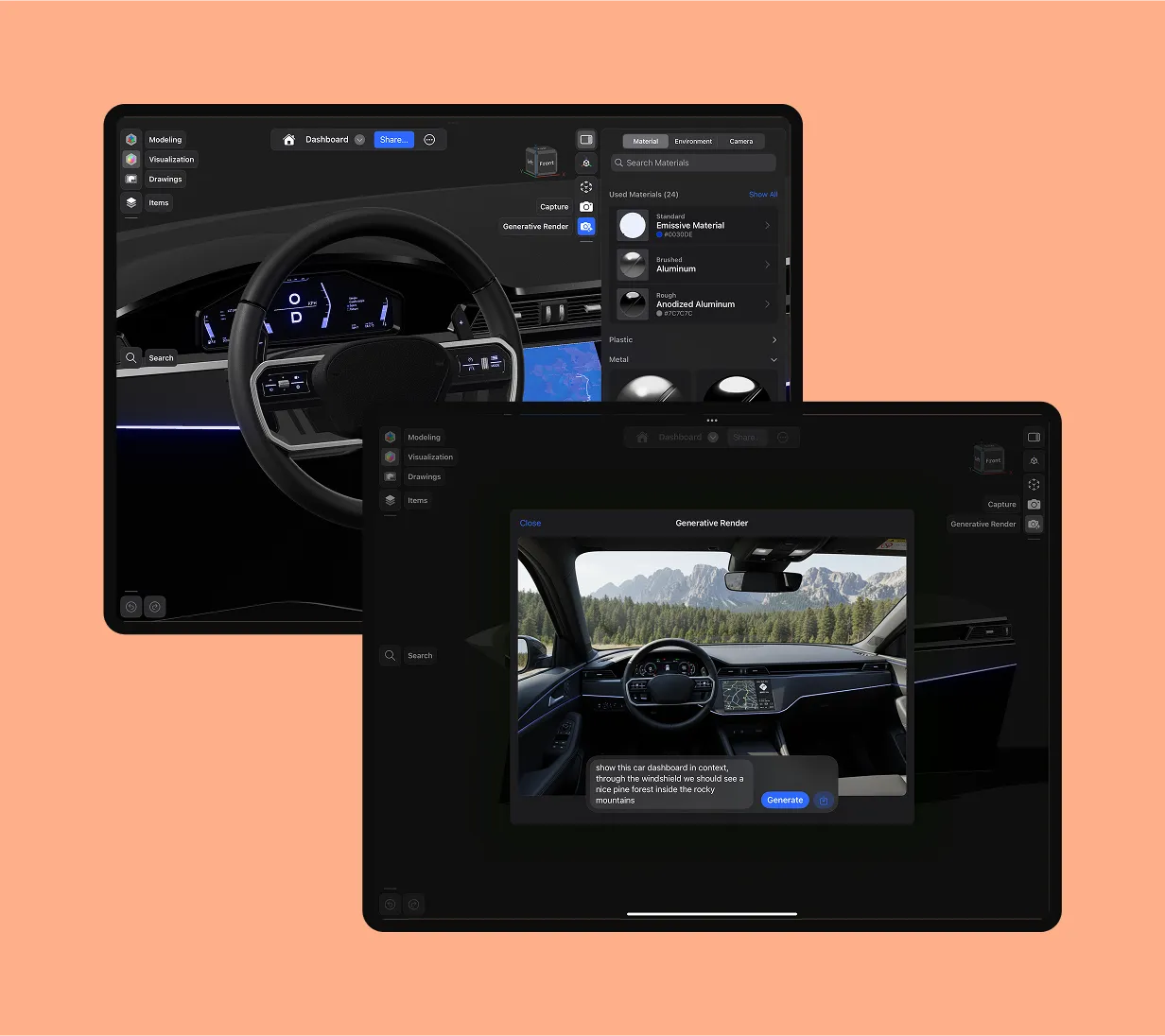
3D rendering in Shapr3D is as easy as describing what you want. Provide a simple prompt about the scene you're envisioning, with details like color, lighting effects, and the environment, and our AI-powered Generative Render feature does the rest.
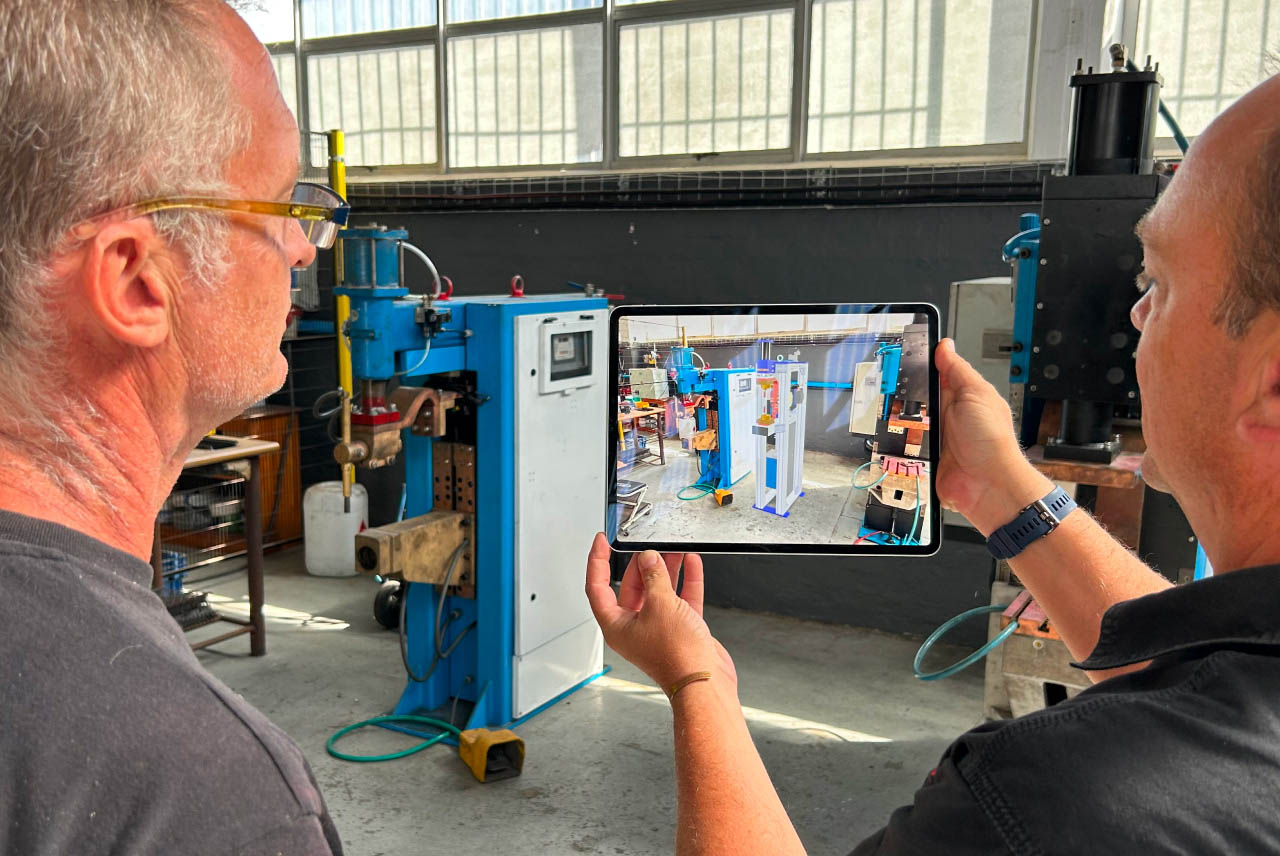
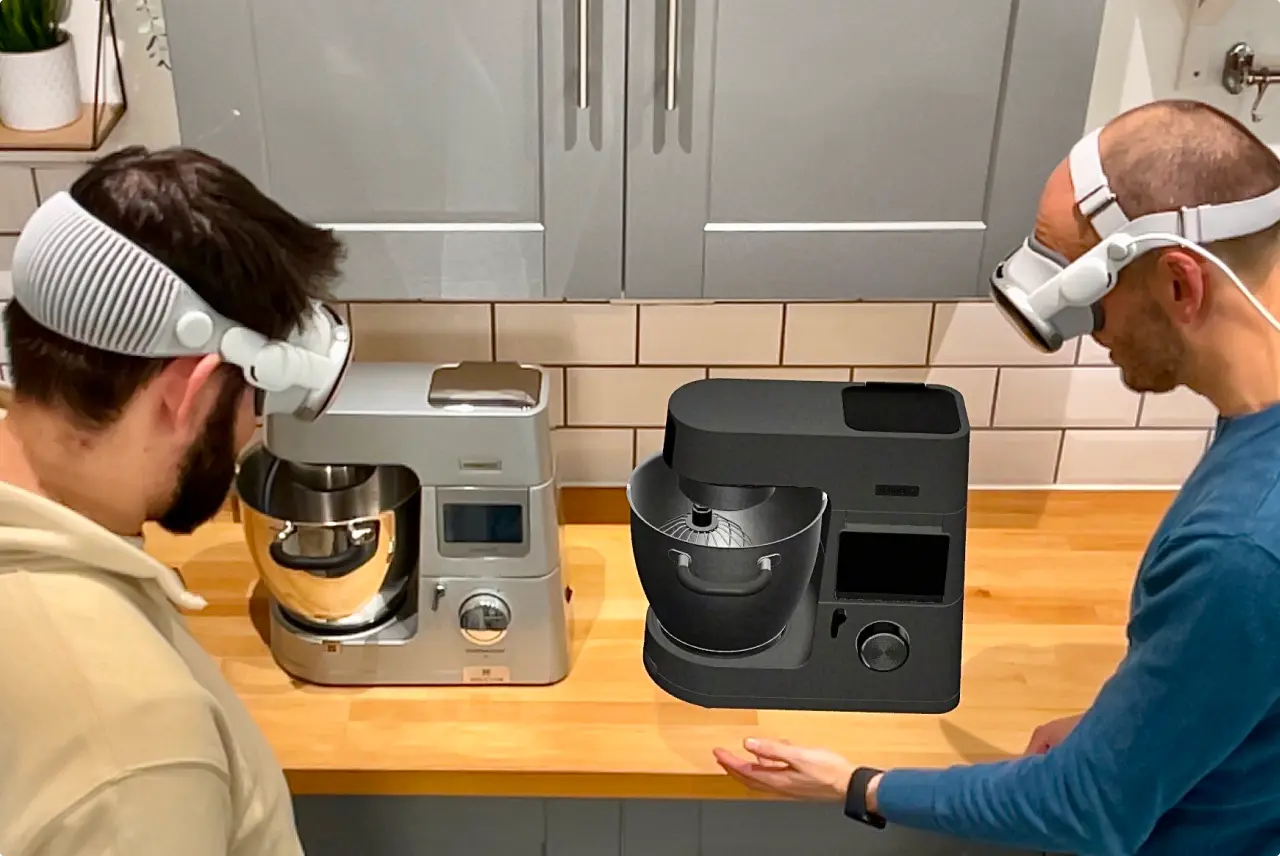
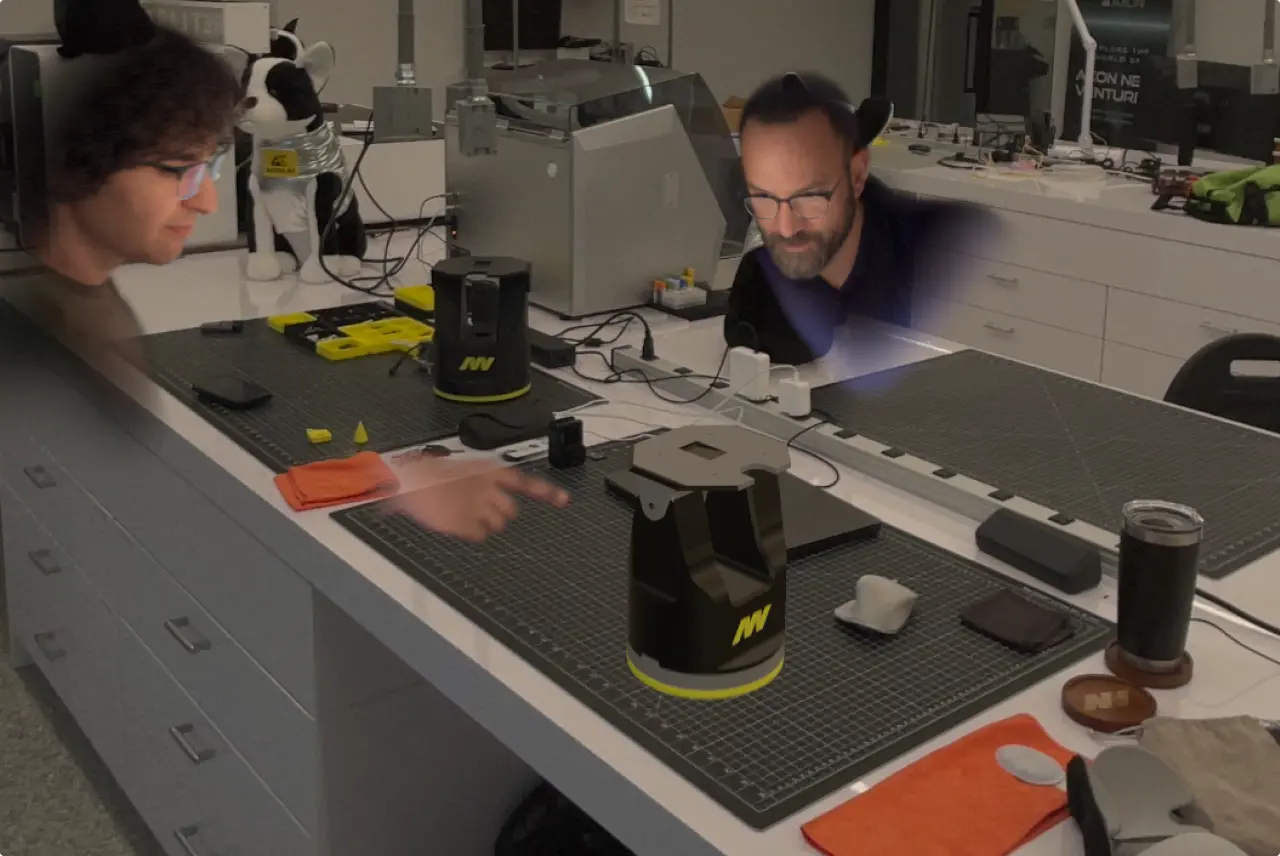
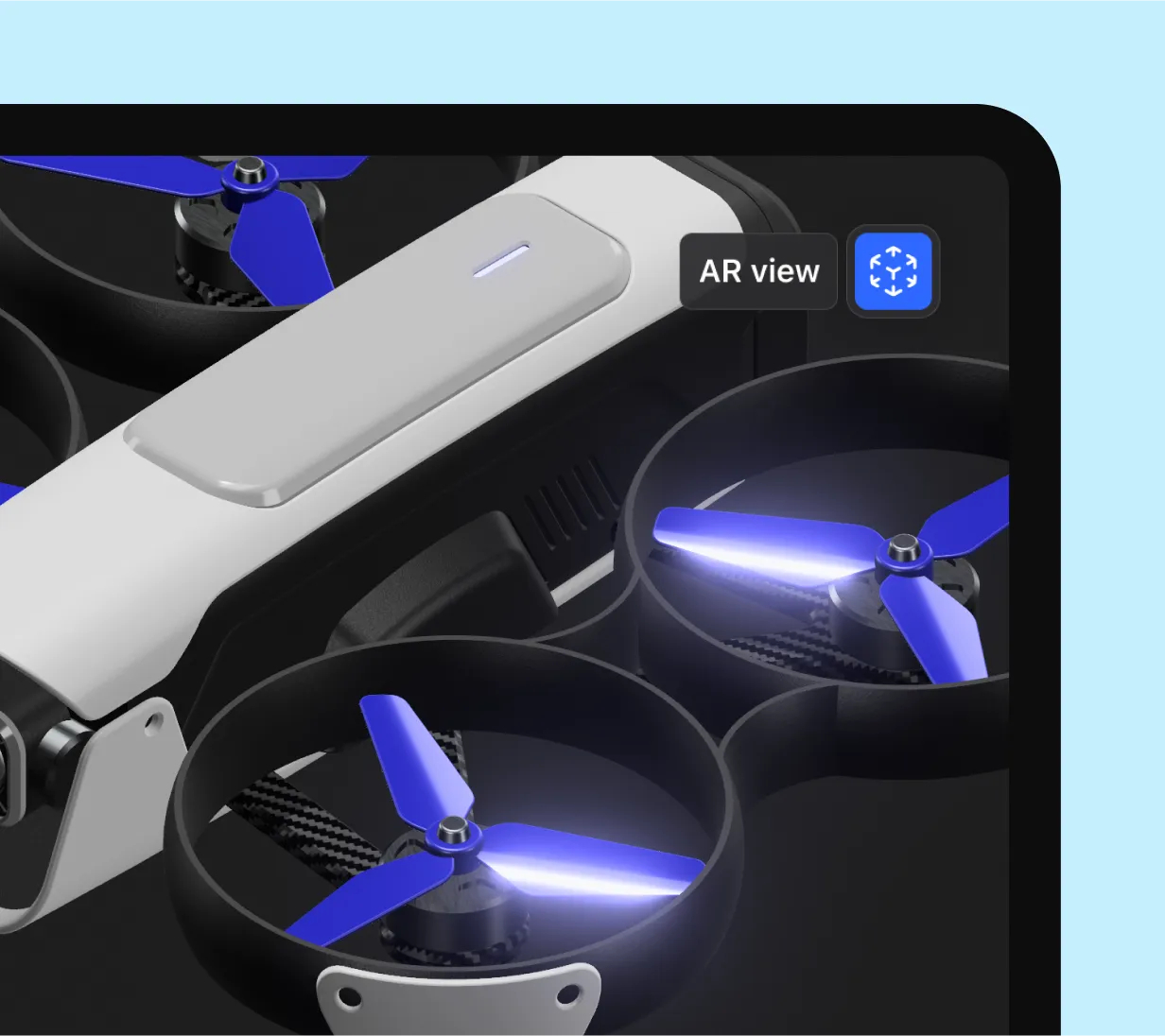
Our augmented reality viewer allows you to visualize your project in the actual environment. When publishing your project, be sure to include visualization materials in your settings, and reviewers will be able to see the textures and colors you've selected when using AR with our mobile web app.
Start a free trial for instant access to 3D visualization and generative rendering tools to bring your project to life.
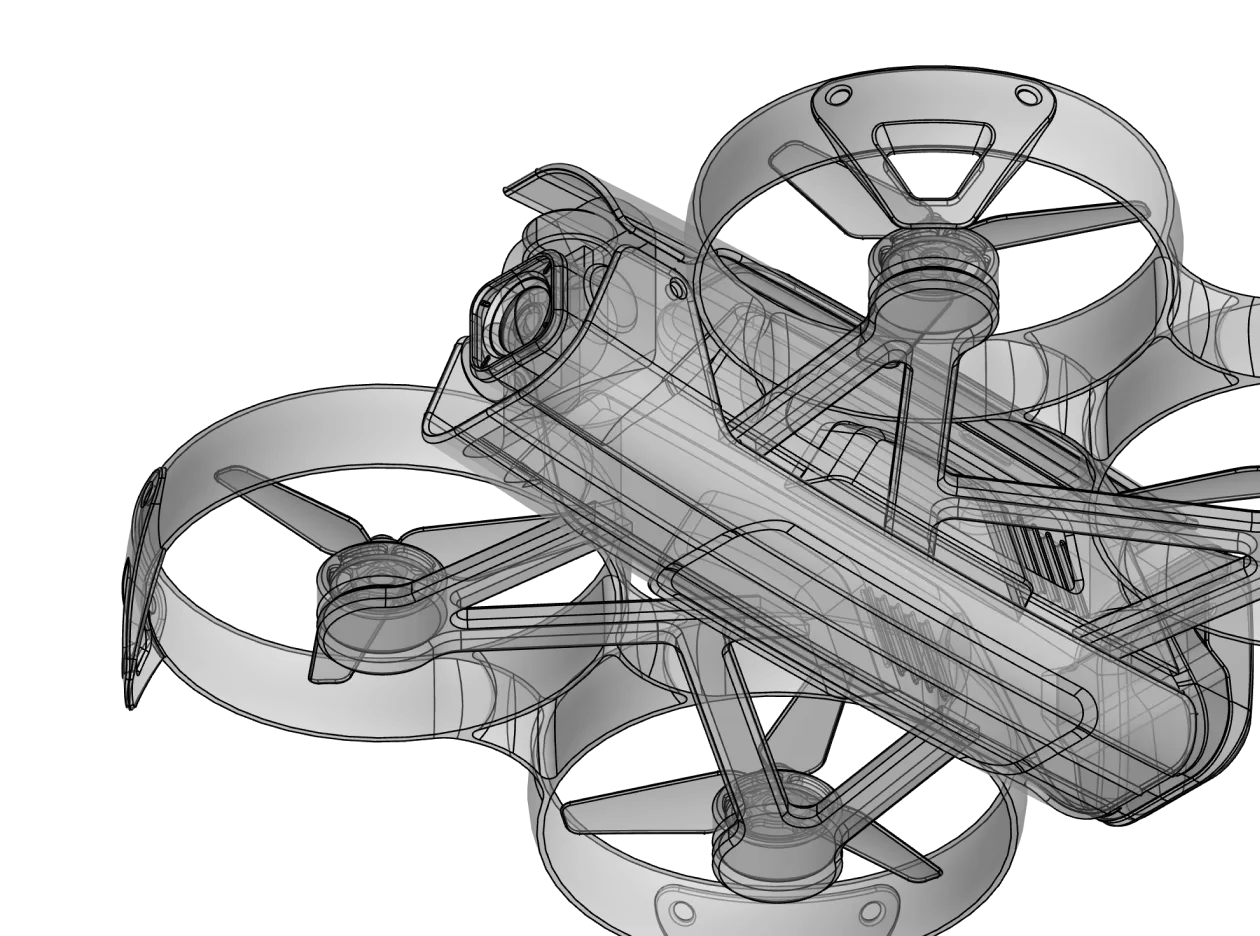
3D visualization is the process of applying realistic materials, lighting, and environments to a digital 3D model. It provides a digital prototype of how a product will look, feel, and interact with light in the real world before the object is manufactured.
3D visualization is an interactive, real-time experience where you can rotate and edit your model with materials applied. 3D rendering is the final step of creating a static, high-resolution image that includes the materials, lighting, and environment.
Benefits of 3D visualization include:
You can use Shapr3d's visualization tools on iPad (with Apple Pencil), Mac, and Windows. Your materials and environment settings stay synced across all platforms, allowing you to start a visualization on a tablet and finish it on a desktop.
Our Generative Render feature uses AI to place your model in a photorealistic scene in seconds. By combining your geometric data with text prompts and environment presets, AI fills in realistic textures, lighting, and backgrounds, allowing you to skip the manual setup usually required for high-end rendering.
Yes. While Shapr3D comes with a robust library of physically-based (PBR) materials like wood, metal, and plastic, you can also import custom materials using the .GLB format.
You can share your work in several ways:
In Shapr3D, visualization is nearly instant. A final AI-generated render or a high-resolution snapshot typically takes only a few seconds, compared to the minutes or hours often required by traditional ray-tracing software.
No. Because Shapr3D is designed for mobile use, it provides professional-grade visualization on standard iPads and modern laptops. While a dedicated GPU on a Windows or Mac machine will enhance performance for massive assemblies, you do not need a specialized setup to get high-quality results.